
- Free preview
- Exact size in mm
- Image never uploaded
PNG to DXF Converter
Turn a PNG, JPG or SVG into a clean DXF: smooth curves, sharp corners, closed polylines, at the exact size you set in millimetres or inches. For laser, CNC, plasma, vinyl and CAD.
A logo, a drawing, a sign, a silhouette or a scanned sketch. Dark shapes on a light background trace best.
JPG, PNG or WebP. Your photo stays on this device.
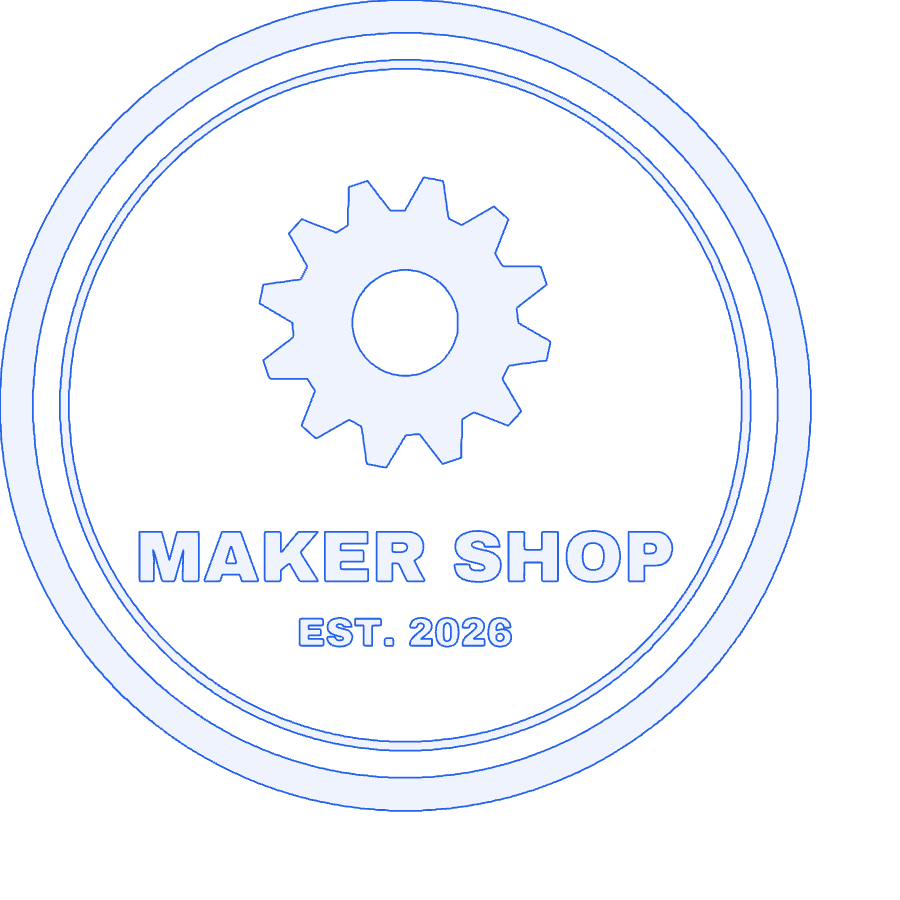
Images converted to DXF
The original and the closed outlines that go into the DXF, straight from the tool.
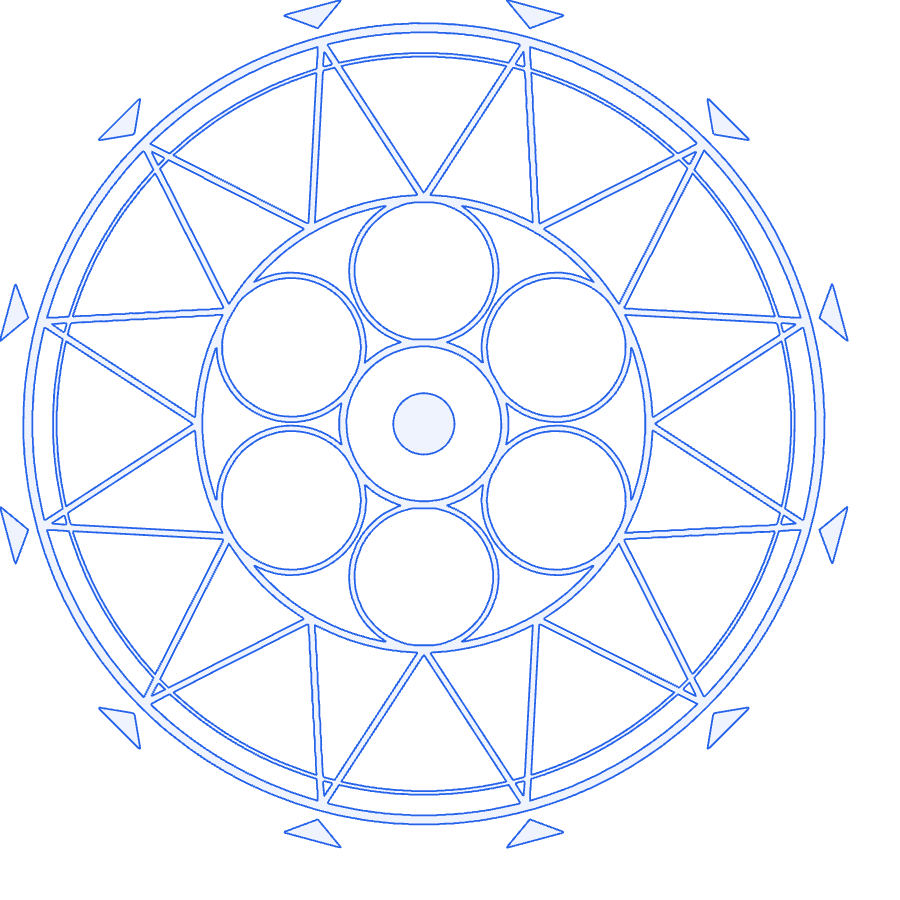
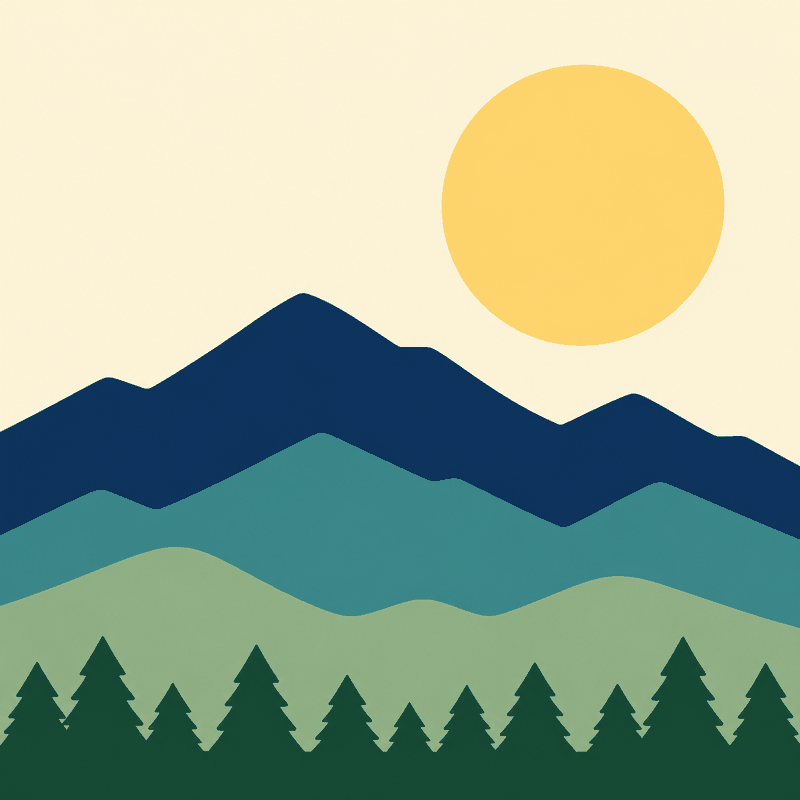
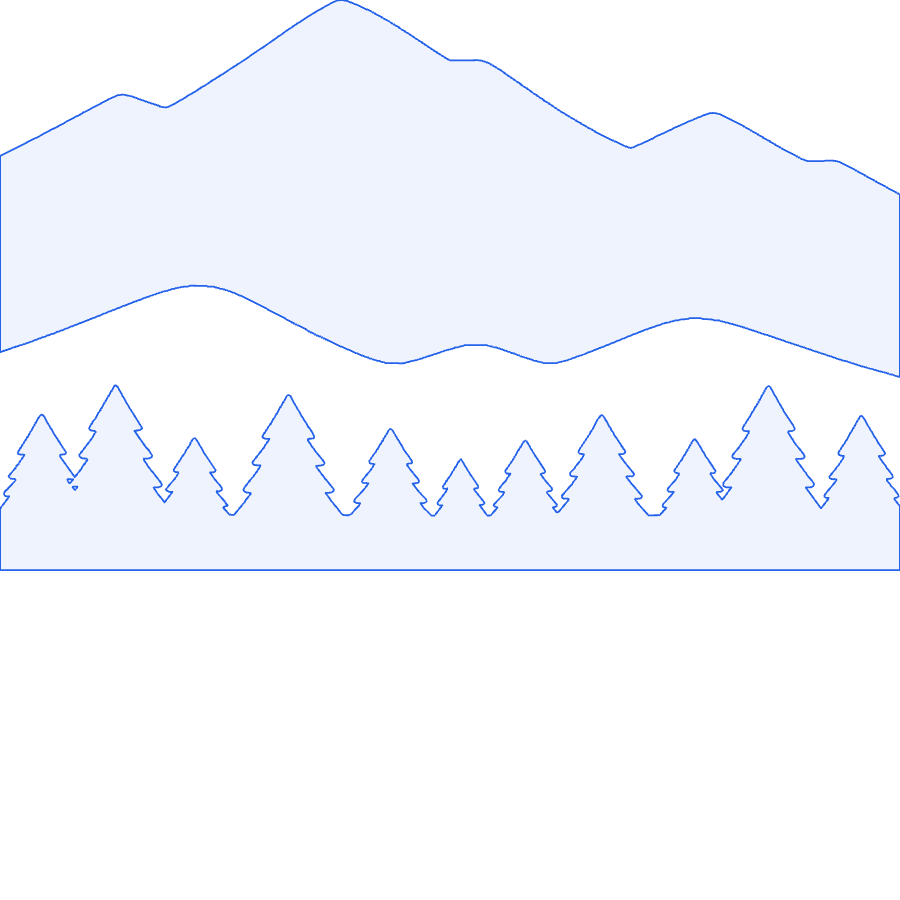
Free to design. Pay only for the files.
No account and no subscription. You see exactly what you're buying before you pay.
- Upload PNG, JPG or SVG, crop and every setting
- Live preview of the shapes and cut lines
- Shape and hole counts at your size
- A watermarked preview image
- DXF (R12) with closed polylines in mm
- Real-size SVG with smooth curves
- Clean black-and-white PNG up to 600 dpi
- Adjust and download again for 7 days
- Unlimited conversions for 30 days
- DXF, SVG and PNG
- For a week of jobs
- Doesn't renew. No subscription
From image to DXF in three steps
- 1
Upload a PNG, JPG or SVG
A logo, a sign, a silhouette, a drawing or a scanned sketch. Crop to the part you need.
 2
Set the size and tracing
Type the real width of the artwork in mm or inches. Choose smooth curves or straight lines, how much to simplify, and remove specks. You see the cut lines as you go.
- 3
Download the DXF
Get an R12 DXF with closed polylines in millimetres, starting at 0,0, plus a real-size SVG and a clean PNG. Import it straight into your CAD or CAM software.
How the image becomes a DXF
The image is turned into pure black and white (the Darkness setting moves the line), then the edge of every black shape is traced along the pixel boundaries. The traced outline is simplified and fitted with smooth curves, while real corners stay sharp: a square stays a square, a circle stays round, and lettering keeps its crisp joins instead of looking melted.
Each shape becomes one closed polyline, holes included (the inside of an O, the middle of a washer), with outer outlines and holes running in opposite directions, the way CAM software expects. Curves are converted to short line segments within 0.05 mm, so the file opens everywhere.
Empty margins around the artwork are trimmed, so the width you type is the width of the shapes, and the drawing starts at 0,0.
What's in the DXF
| Format | DXF R12 (AC1009), the most widely supported version |
| Entities | Closed POLYLINE, one per outline or hole |
| Units | Millimetres (1 unit = 1 mm), $INSUNITS set to mm |
| Origin | Bottom-left corner of the artwork at 0,0 |
| Accuracy | Curves within 0.05 mm |
R12 is the oldest and most widely supported DXF version, the one CAD, CAM and laser programs are most likely to import. The writer is tested against a strict DXF validator. If a program asks about units on import, choose millimetres; if one won't open the file, email us its name and version.
SVG to DXF and JPG to DXF
Upload an SVG and it's drawn at high resolution, then traced, so even a tiny icon comes out smooth. This works for logos and icons from any source, including SVGs with shapes, text and gradients that a direct converter would choke on.
JPG photos of drawings or signs work too: raise Remove specks to clear paper texture and JPEG noise, and use Darkness to choose what counts as black.
Tips for a clean conversion
- Start with contrast. Black artwork on a white background converts best. Use Invert for light artwork on a dark background.
- Bigger is better. A 2000 px image traces more accurately than a 200 px thumbnail. SVGs are scaled up for you.
- Straight lines mode is good for mechanical parts and pixel-style art; Smooth curves for logos, lettering and organic shapes.
- Simplify reduces the number of segments for faster cutting; Exact keeps every detail.
- Check holes and islands. The shape and hole counts tell you what the cutter will see. For a stencil that holds together, use our stencil maker's bridges.
Frequently asked questions
Is the PNG to DXF converter free?
You can upload an image, try every setting and see the traced shapes and cut lines for free. The files (DXF, SVG and PNG) cost $3.99 for one image, or $9.99 for unlimited conversions for 30 days. Both are one-time payments; there's no subscription.
What units is the DXF in?
Millimetres: 1 drawing unit = 1 mm. The artwork is exactly the width you set, and the height follows its shape. Inches in the tool are converted to millimetres in the file.
Will it work with my laser, CNC or plasma cutter?
It's a standard R12 DXF of closed polylines in millimetres, the format most CAD, CAM and laser software imports (for example LightBurn, Fusion 360 and Inkscape). Every outline is closed, so it's ready to cut or pocket. You can check before buying: the free preview shows exactly the shapes and holes that go into the file.
Can I convert SVG to DXF?
Yes. Upload the SVG: it's drawn at high resolution and traced into closed outlines, so it works even when the SVG uses text, strokes or effects.
Why are my curves made of short lines?
DXF R12 has no smooth spline that every program reads the same way, so curves are written as short segments within 0.05 mm of the true curve. That's far finer than any cutter's kerf. The SVG keeps the real curves.
Is my image uploaded?
No. The conversion runs in your browser, and your image is saved only in this browser so your work is still there if you come back. Use New image to remove it. The only things sent to our server are the checkout request and, after paying, a check that the payment went through.
Can I use the files commercially?
Yes, for images you own or have permission to use. Don't convert other people's logos or artwork without permission.
Ready to convert your image to DXF?
Free preview · Exact size in mm · Image never uploaded